
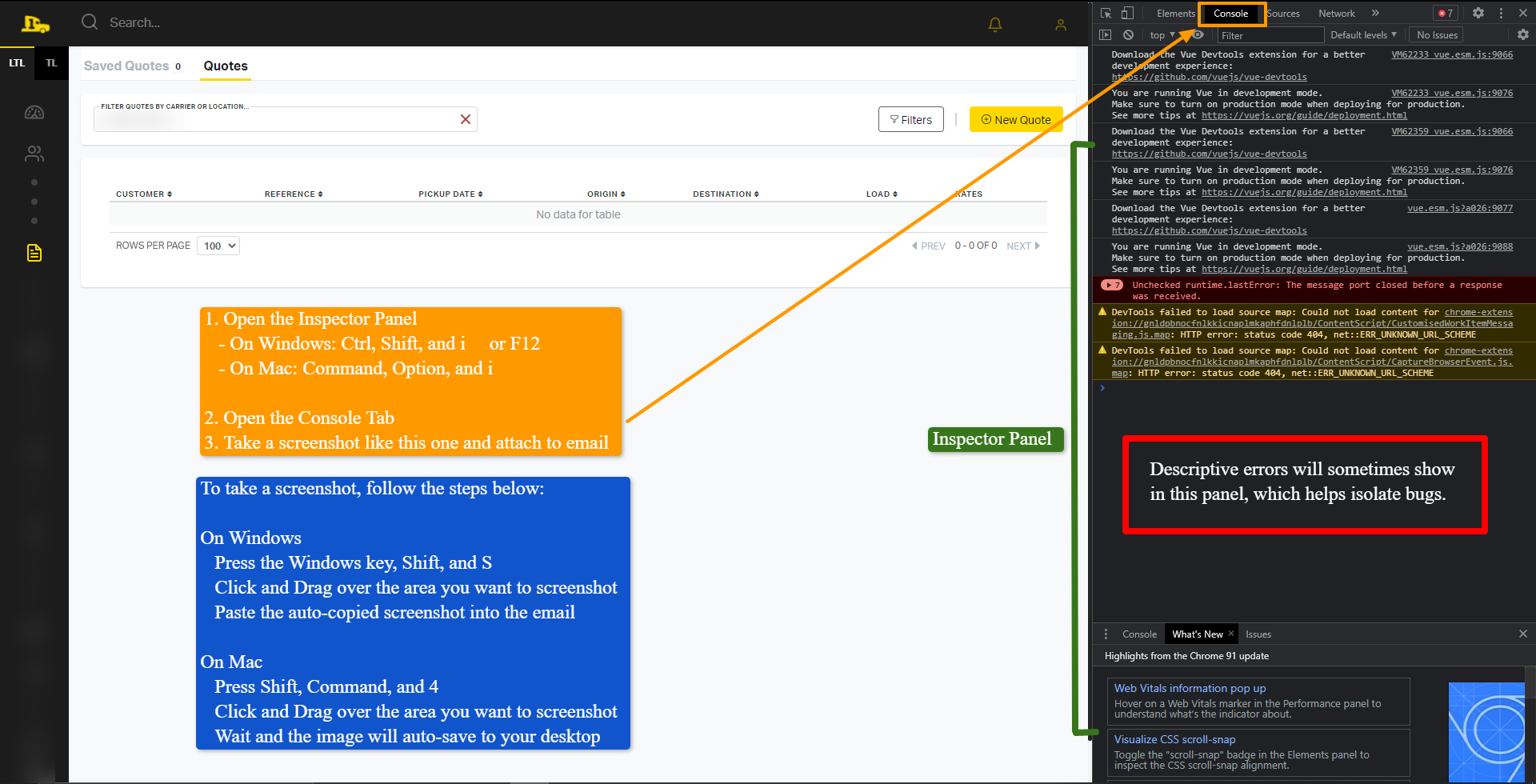
1. Open the Inspector Panel
- On Windows: Ctrl, Shift, and i or F12
- On Mac: Command, Option, and i
2. Open the Console Tab
3. Take a screenshot like the one below and attach to email
-
To take a screenshot, follow the steps below:
-
On Windows
-
Press the Windows key, Shift, and S
-
Click and Drag over the area you want to screenshot
-
Paste the auto-copied screenshot into the email
-
- On Mac
- Press Shift, Command, and 4
- Click and Drag over the area you want to screenshot
- Wait and the image will auto-save to your desktop
-
Comments
0 comments
Please sign in to leave a comment.